

Learns your site
It adds your pages to its knowledge base. You see unanswered questions in the panel and can add the answer in one go with "teach from here".
An AI assistant is a chat layer that answers your visitors' questions at any hour and passes anyone who leaves their details straight to your panel. We build this assistant with our own team. We add it to your site with a single line of code, teach it your content and draw its boundaries together with you.
Smart assistant
The monitor shows the panel's conversation and lead screens; the phone shows the live chat a visitor sees. Tap the cards below to enlarge the screens.

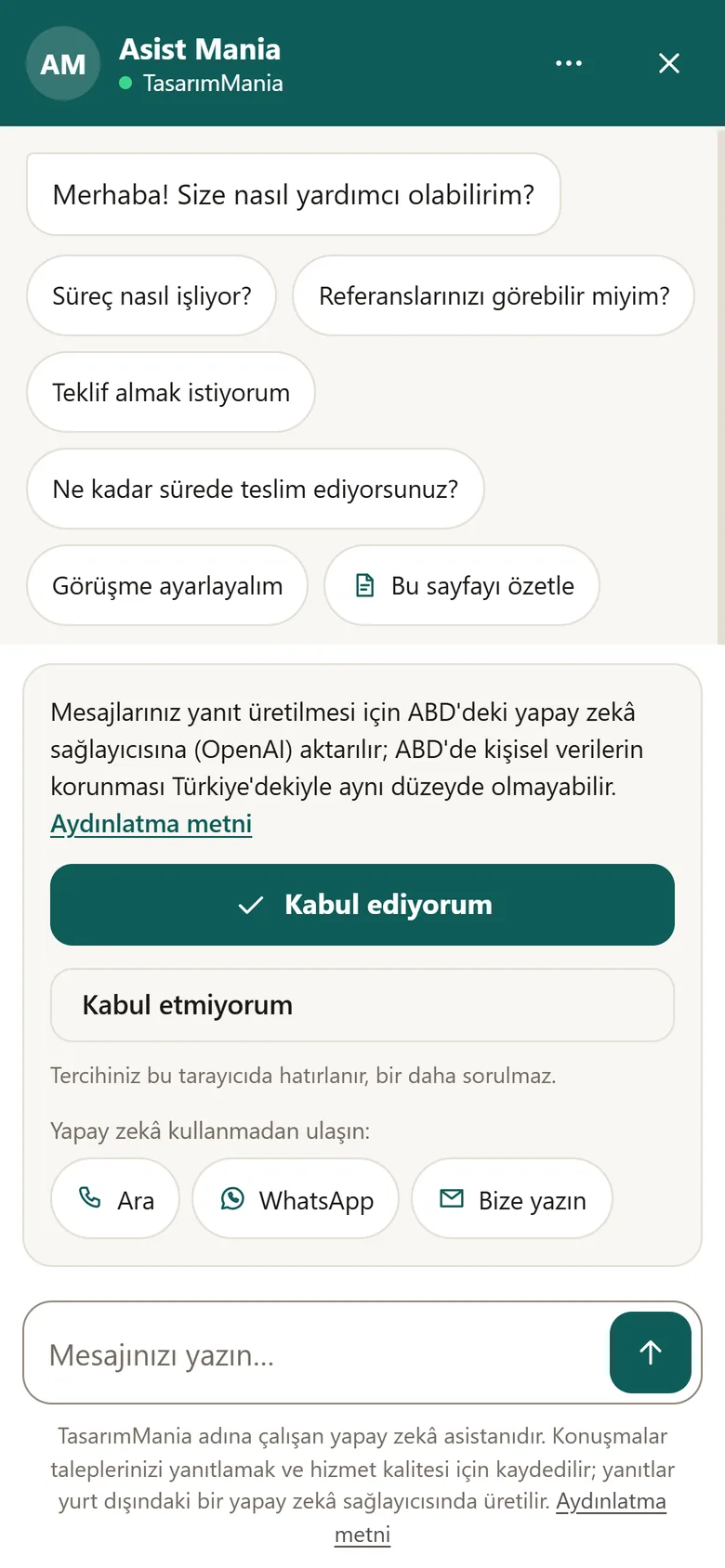
live on tasarimmania.com
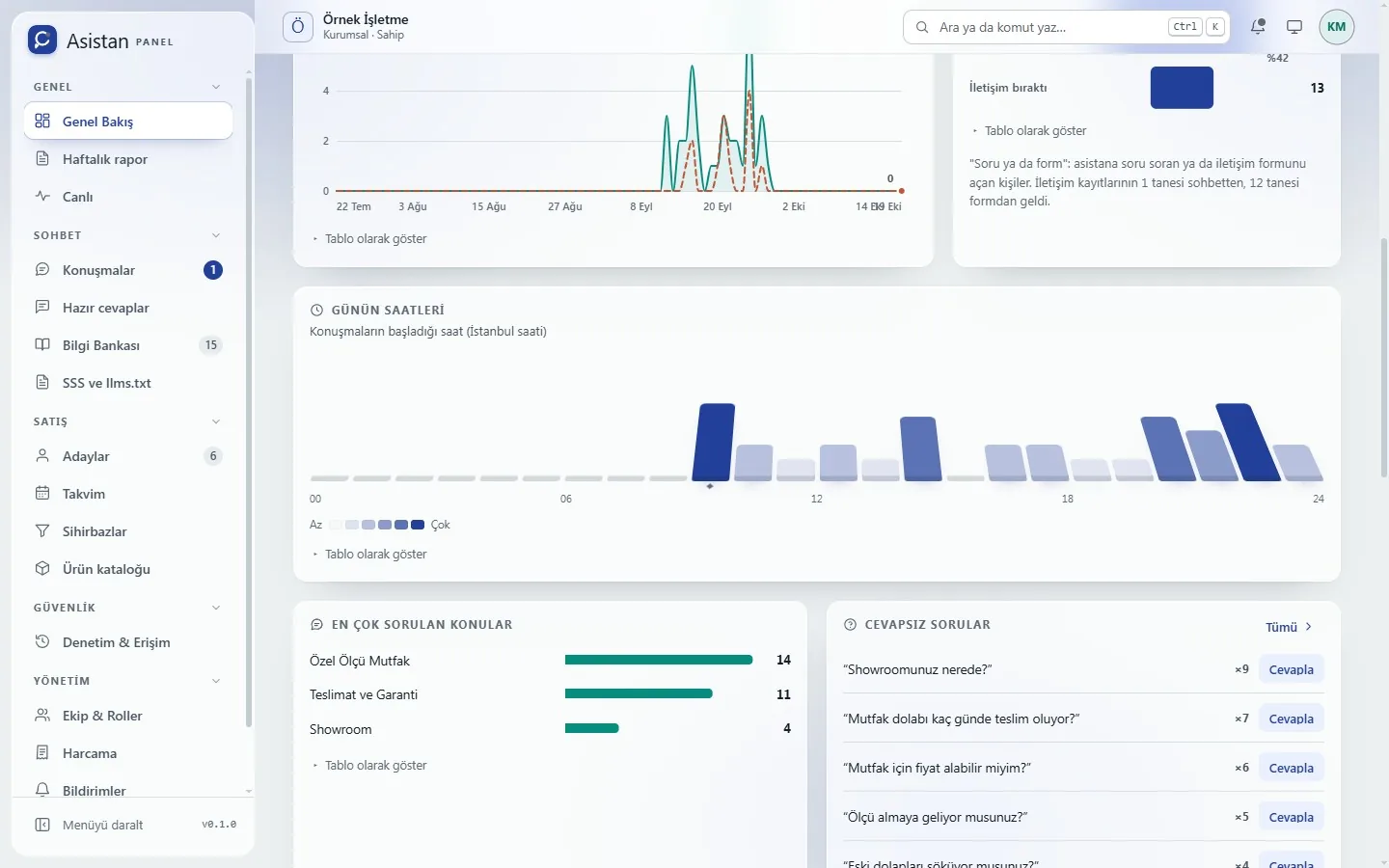
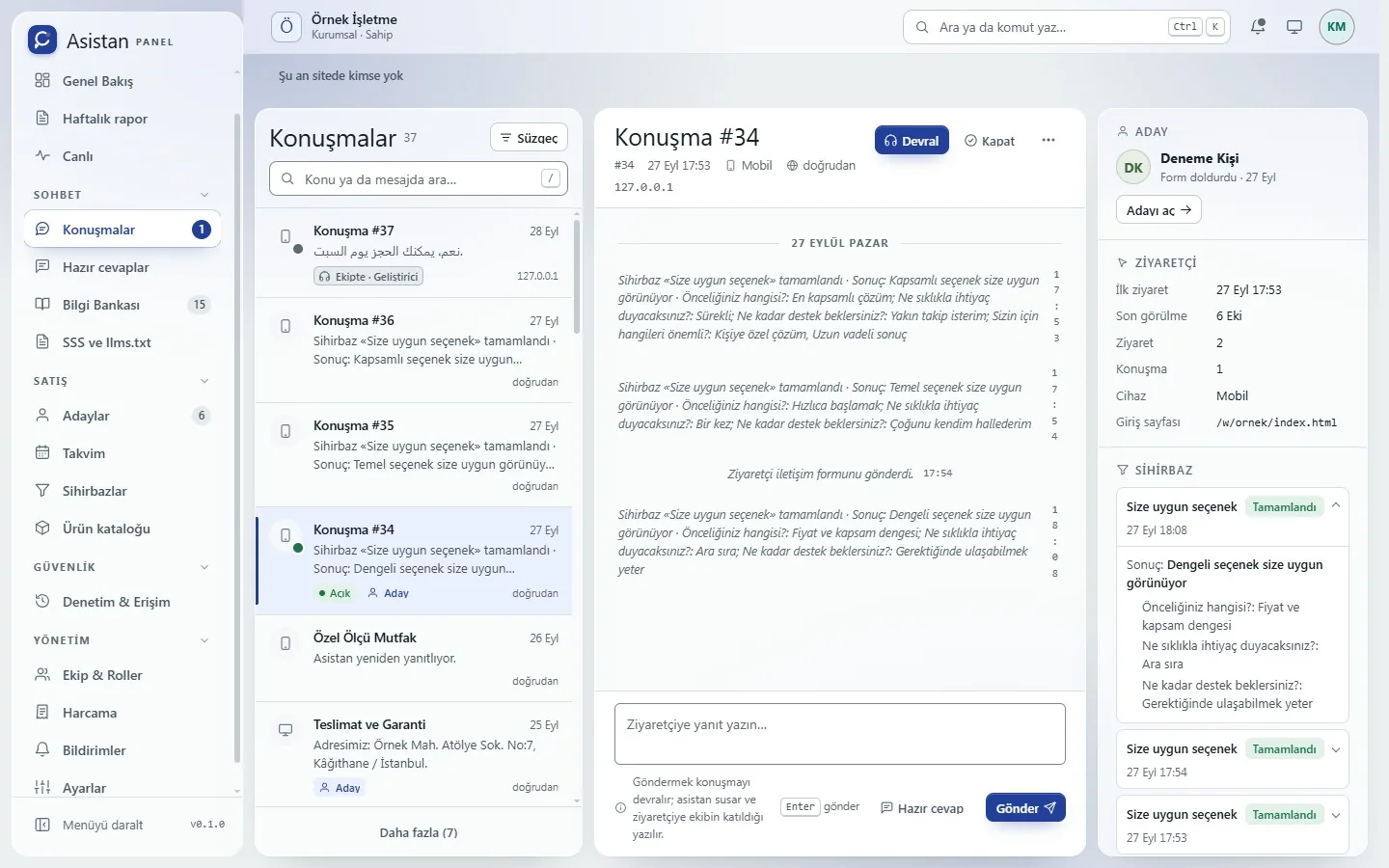
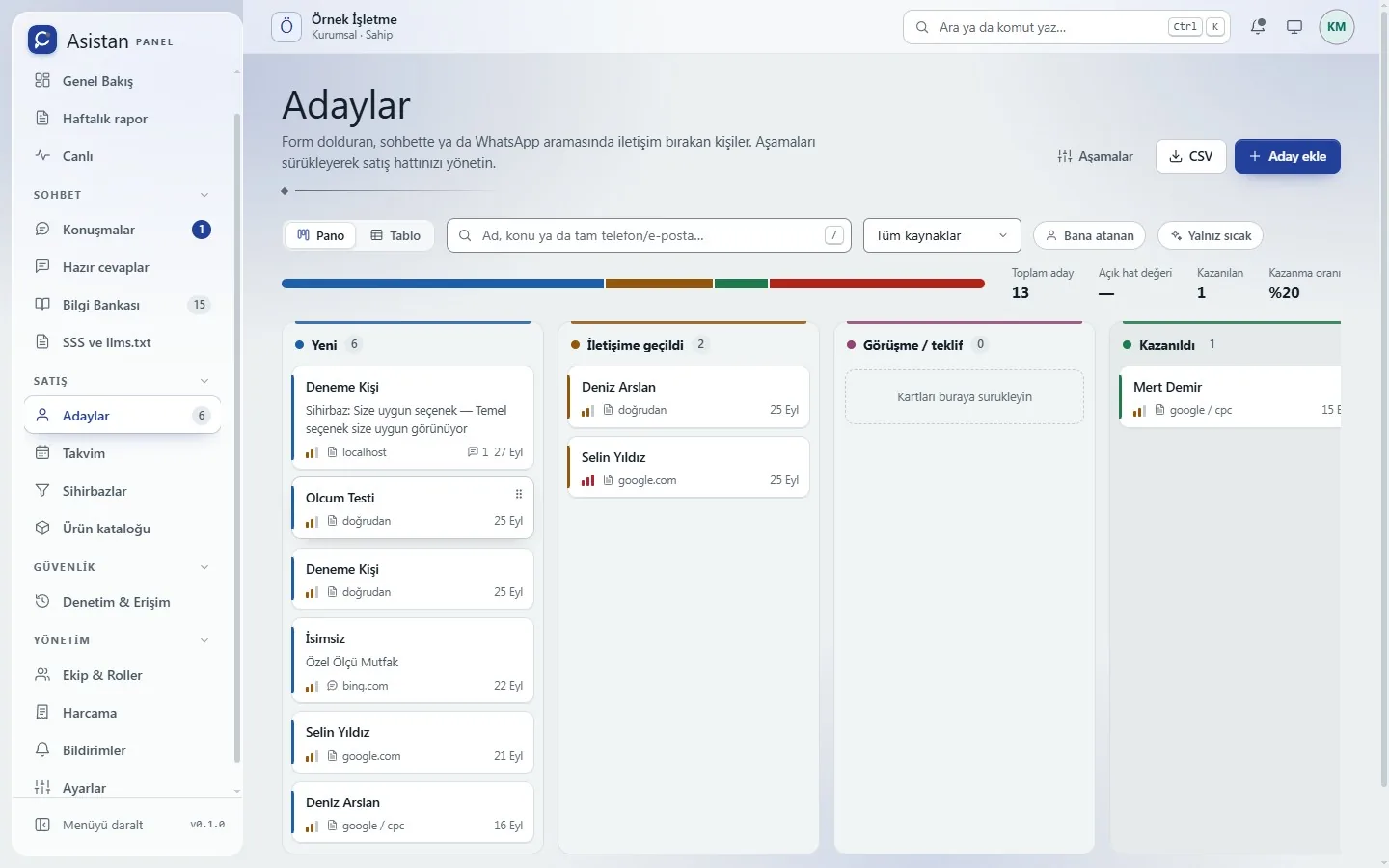
Panel images use sample data.
A visitor wonders about something on your site, the assistant answers from your own content, and whoever leaves their details lands in front of your team.
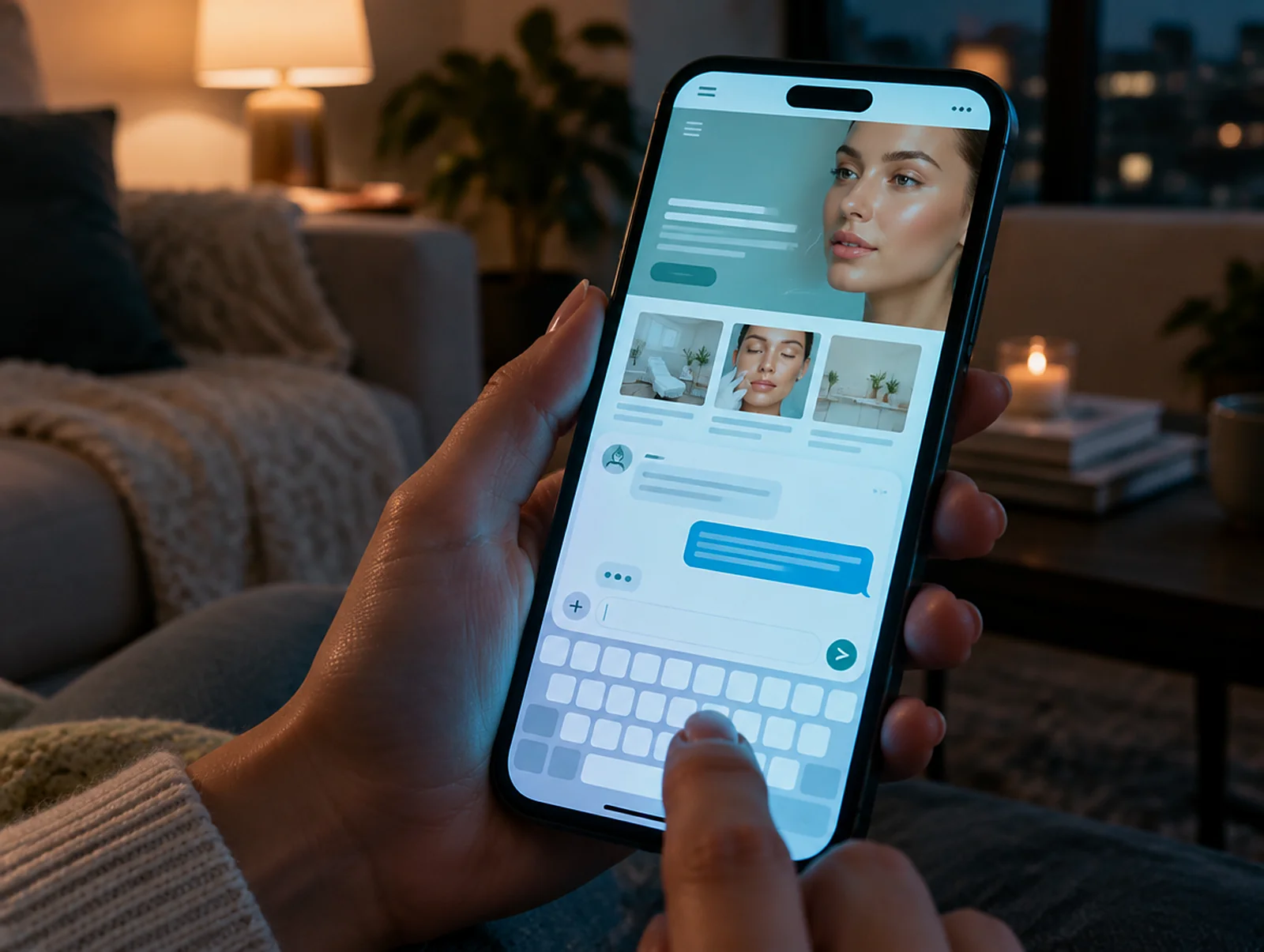
Even at midnight, they type the question in their own words into the chat window. No form to fill in, no waiting for office hours.
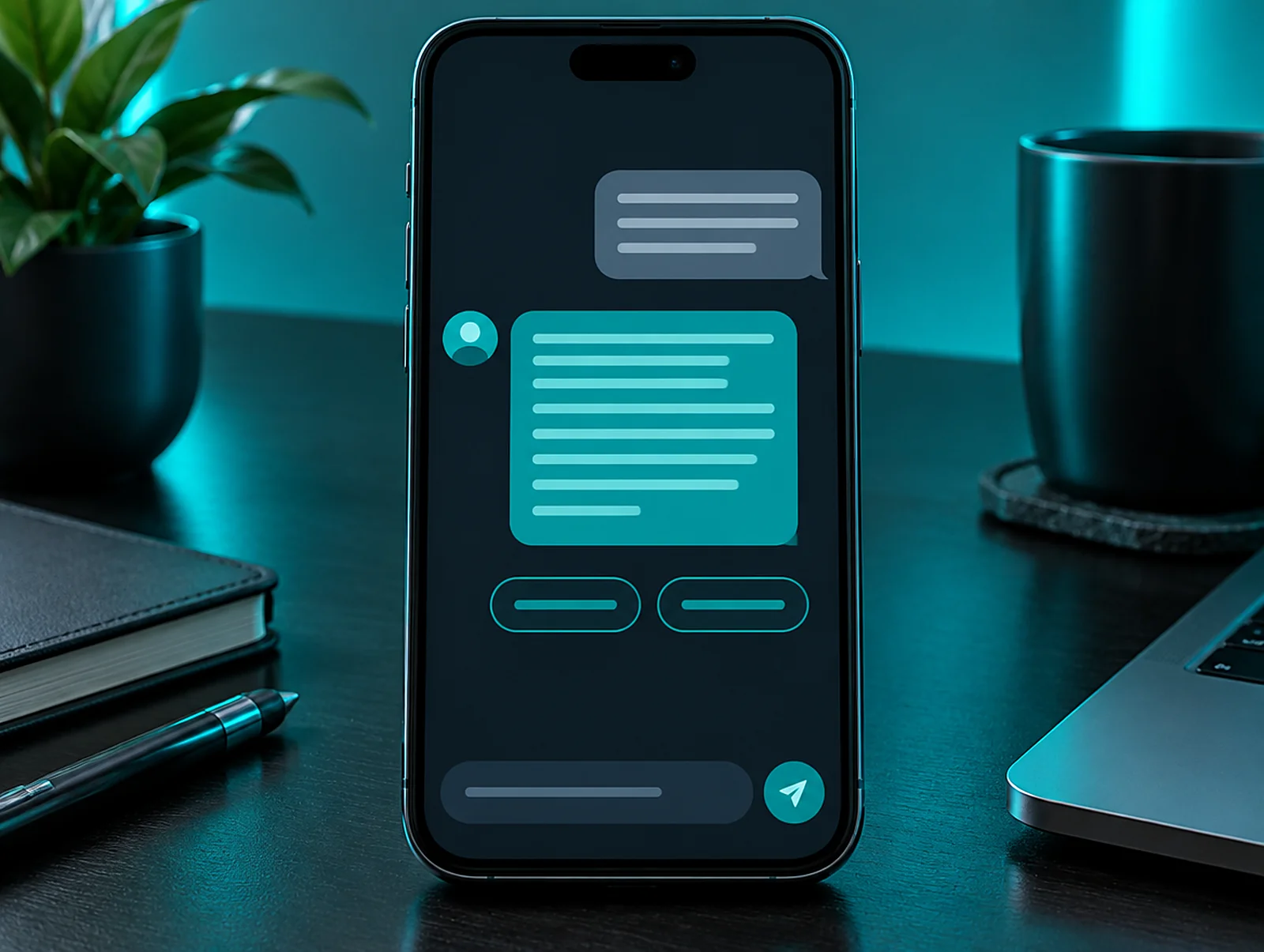
It builds the answer from your pages and your priority answers. Where useful it links to the right page, then asks whether they would like to leave their details.
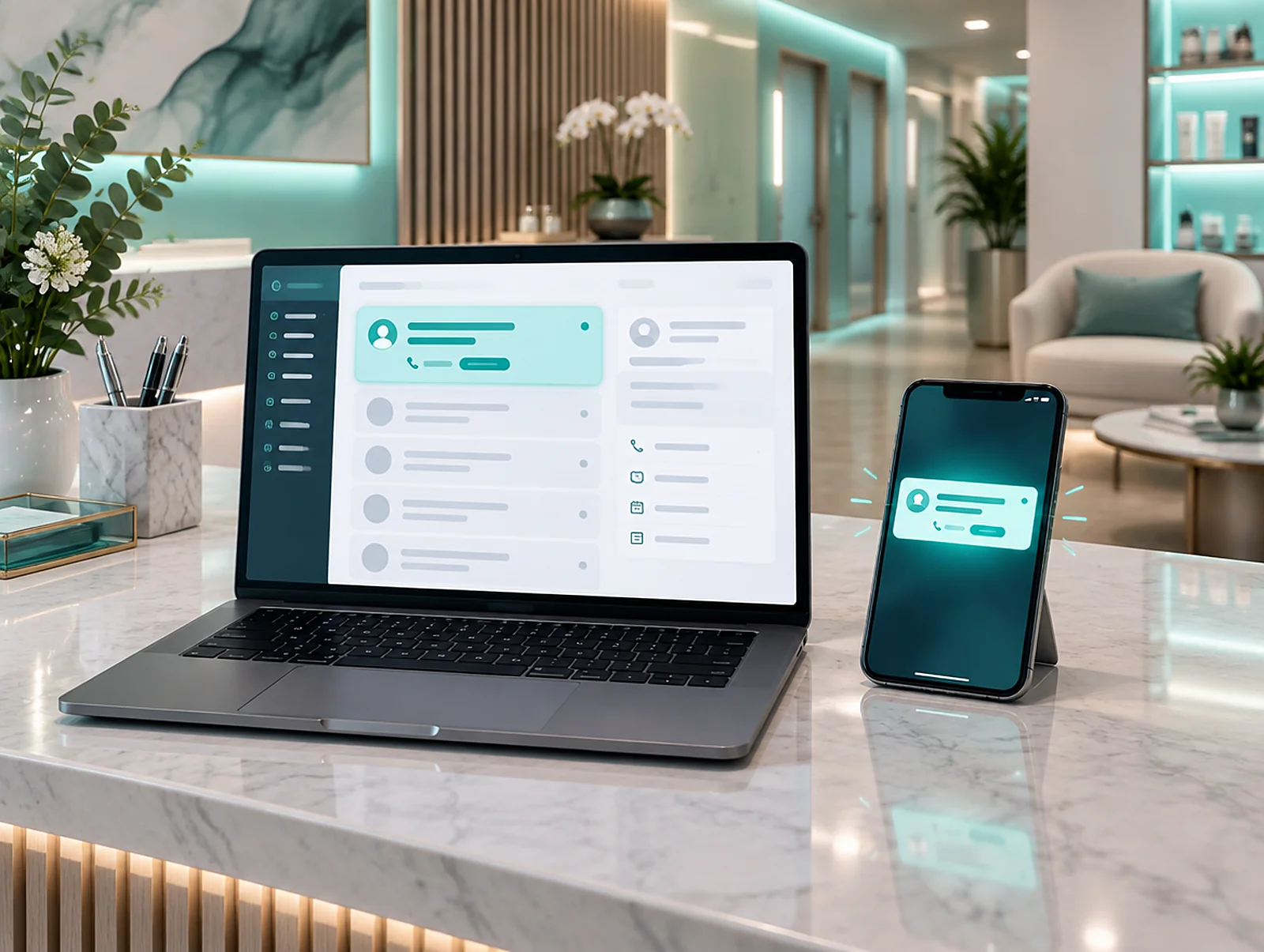
Whoever leaves their details appears in the panel as a lead, with a summary of the conversation. You are notified by email or Telegram, so your team can call while interest is warm.
It adds your pages to its knowledge base. You see unanswered questions in the panel and can add the answer in one go with "teach from here".
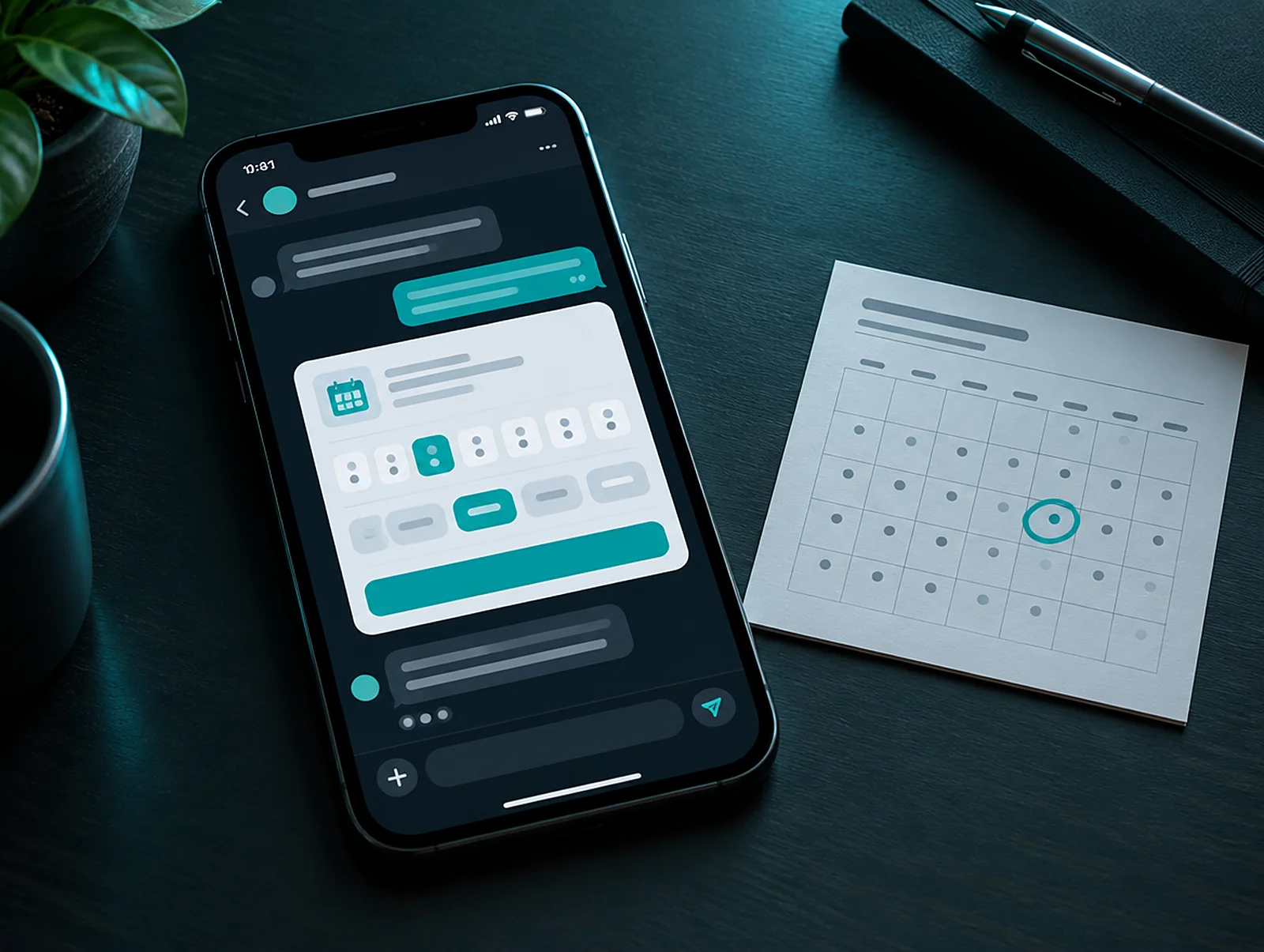
It asks for a preferred day and time within the chat and adds the request to the lead. You confirm the diary yourself.
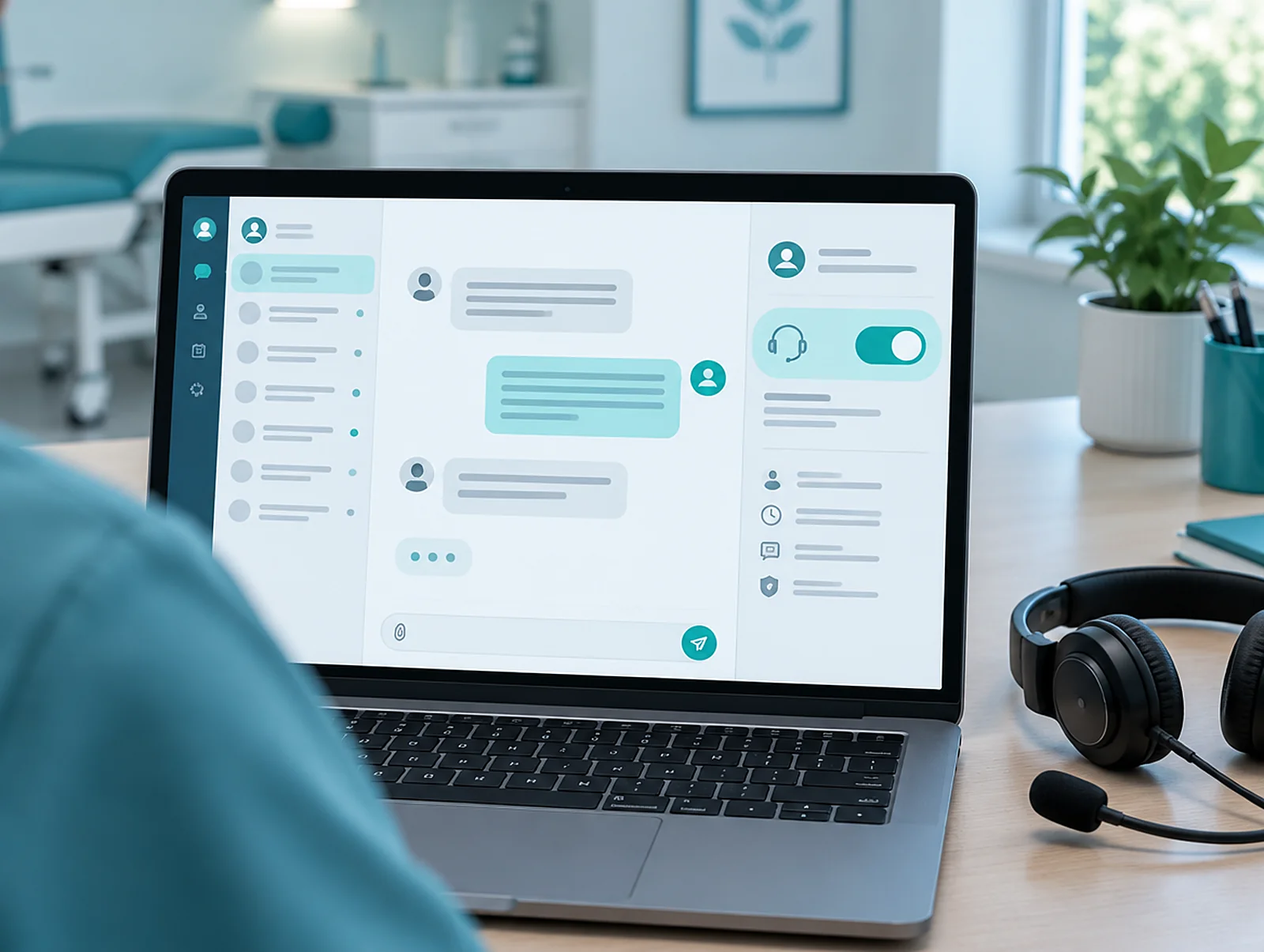
When a conversation matters, someone from your team takes over with one click and writes to the visitor live.
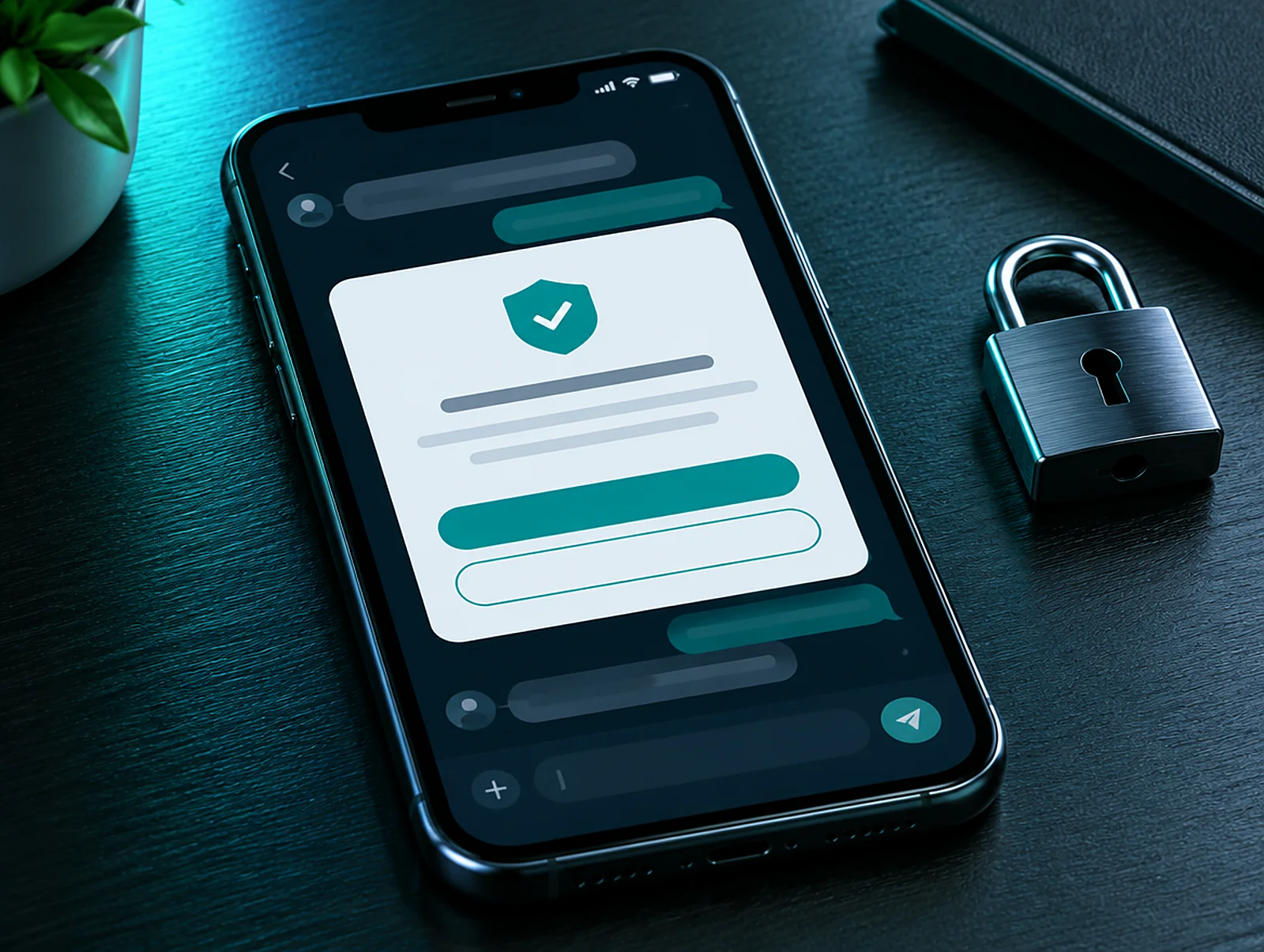
It shows the privacy notice and asks for consent once; the browser remembers the choice and does not ask again.
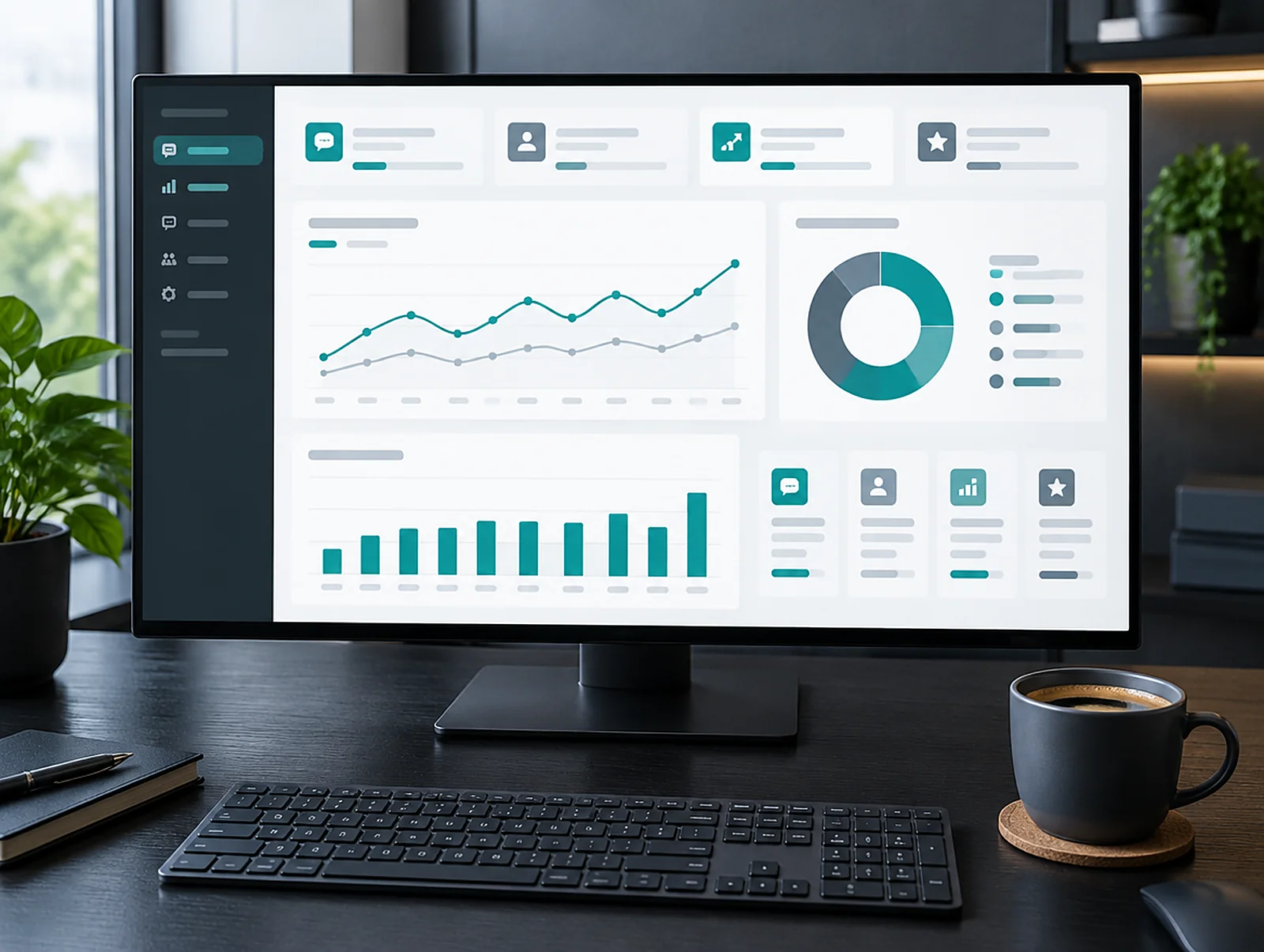
See how many conversations there were, what people ask most and how many leads arrived. A weekly report keeps you up to date.
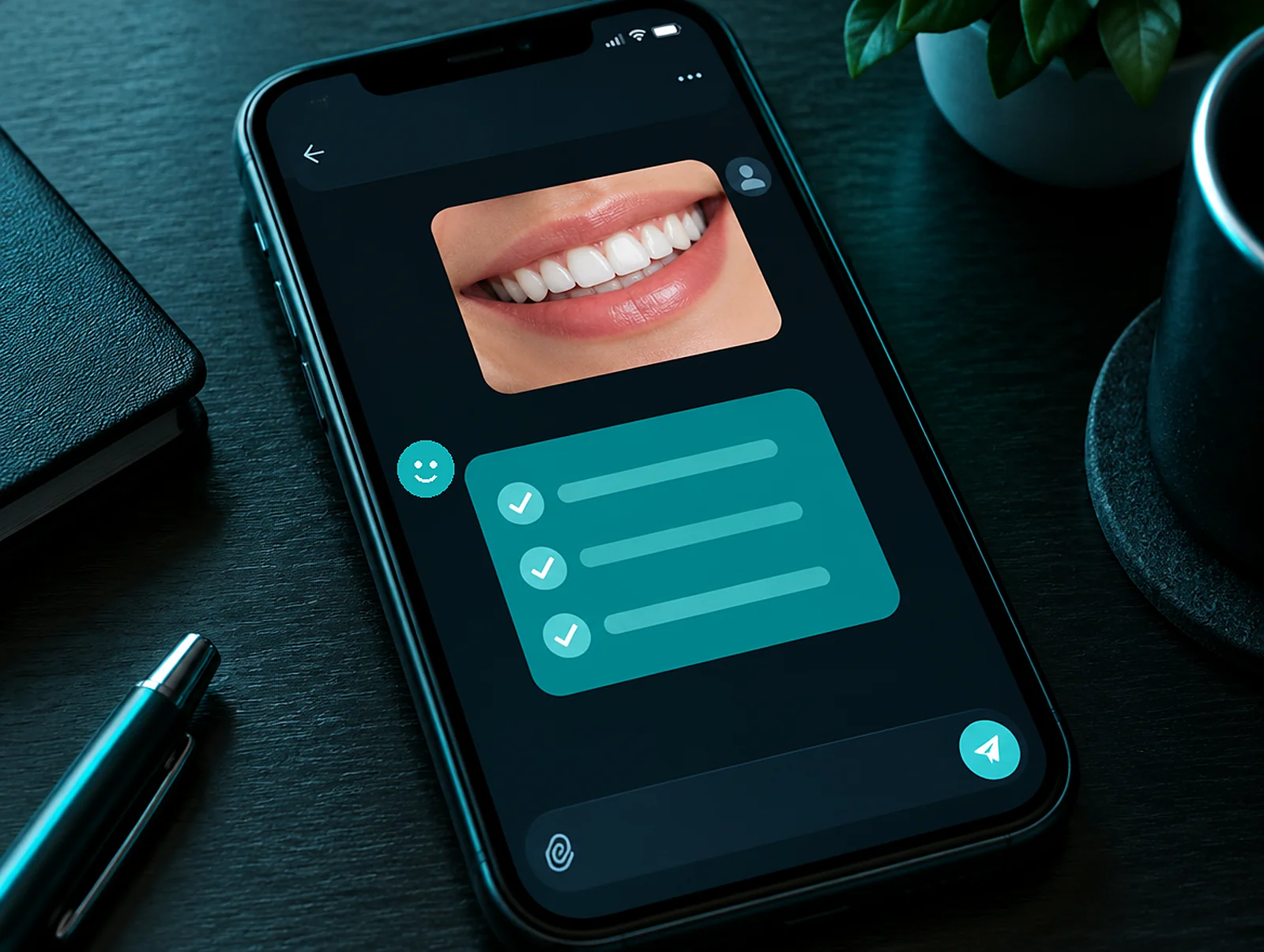
Visitors can send a photo; the assistant gives general first information. This is not a diagnosis; its purpose is to guide them to the right specialist and appointment.
Every plan includes the assistant, conversation history, the knowledge base, team and roles, security and an audit log. Each higher plan includes everything below it. We work out the price together, based on the size of your site and the modules you need.
For businesses that want to answer questions and never miss an enquiry.
For clinics and shops that want bookings, several languages and a sales flow.
For organisations with several branches, phone traffic and compliance needs.
An AI assistant answers a visitor's question straight away, using the information on your site, and moves the conversation to the next step. For example, it explains your opening hours, your booking steps or a product feature. Then it asks whether the visitor would like to leave contact details, so enquiries that arrive after hours are not lost.
Most visitors leave without filling in the contact form because they cannot find a small answer. The assistant closes that gap. It takes the question in plain language, replies briefly and clearly, and links to the relevant page when it helps. As a result, the conversation reaches your sales team as a ready-made note.
What is more, the platform does not depend on your sector. The same assistant walks a dental clinic's visitors through treatment steps, explains delivery on an online shop and describes project stages for an architecture studio. Each site gets its own profile, tone of voice and rules. In other words, the chat assistant speaks the language of your business.
The assistant crawls the pages of your site, builds a knowledge base and writes its answers from that base. Its Turkish search engine also recognises synonyms, so it finds the right section even when a visitor types "reservation" instead of "appointment". That way it tells visitors what your site says instead of making things up.
Some questions have exactly one right answer. You write those answers in the priority answers section. When the assistant meets that question, it does not phrase its own reply; it uses the text you approved.
Meanwhile, the assistant collects the questions it could not answer in a separate list. You review the list and fill the gaps, and the right answer is ready for the next conversation. If you spot a weak reply inside a conversation, you can add the correct information from the same screen.
The panel includes a test area. Before you publish new information, you ask the assistant a question and compare its answer with the previous version. You therefore see the effect of a change before any visitor does.
The assistant records a phone number or email address typed in the chat as a lead and lets you know immediately. Alerts arrive by email, by Telegram or through a signed webhook. Your team can then call back without delay, and the full conversation stays on the lead's card.
In the leads section, contact details are stored encrypted. The panel also logs who viewed them, when and for what reason. If you switch on the booking module, the assistant shows available times and the visitor picks one without leaving the chat. A daily summary email gathers that day's conversations and new leads in a single message.
With the image analysis module switched on, a visitor can send a photo. The assistant gives a short pre-assessment based on the rules defined for your sector and does not keep the photo. It is not a diagnosis; its purpose is to guide the visitor to the right specialist and the right appointment.
You decide which topics the assistant covers and where it stops. The rules we call shields politely turn away off-topic questions and filter out banned phrases. On clinic sites, for instance, the assistant gives no prices, names no competing doctor or clinic and never claims that someone is "the best doctor".
Even so, some conversations need a person. Someone from your team takes over a live chat from the panel and picks it up where it left off. Every conversation stays on record, so you can reopen it later and correct a weak answer.
The panel also keeps an audit trail. Setting changes and login attempts are stored in a chained log, so it is always clear who changed what. On the security screen you can block suspicious IP addresses one by one, in bulk or for a set period.
Before the first message, the assistant shows the visitor the privacy notice and asks for explicit consent to transfer data abroad. The answer is remembered in the browser, which is why the window does not open again in the same browser. If a visitor who declined changes their mind, the consent option waits in the menu.
The language model behind the replies currently runs on OpenAI; the privacy notice says so plainly for that reason. When the compliance centre module is on, notices, retention and deletion periods, data subject requests and transfer records sit on one screen. Separate rules apply to conversations that may contain special category data.
In short, the documents the law asks for live inside the panel. When you prepare your own notice, we suggest reading the guidance of Türkiye's Personal Data Protection Authority and the text of Law No. 6698. Our own privacy policy is a working example of how the assistant is described.
The overview screen shows the assistant's day on a single page. The morning briefing summarises yesterday's conversations and new leads. The funnel shows step by step how many visitors started a chat and how many left their details, so you can measure whether the digital assistant really brings in enquiries.
Conversion by source separates leads by the ad or page they came from. The measurement bridge sends chat events to Google Tag Manager, GA4, Google Ads and Meta. Consequently, you see conversions from the assistant in your ad accounts too and make budget decisions with that data. We explain how we set up ad measurement on our performance marketing page.
On the team screen you invite colleagues, give each one a different role and switch on two-step verification. Spending tracking follows AI usage against a monthly limit. You can also compare two versions of a suggestion card with an A/B test and see which one starts more chats.
| Module | What it does | Status |
|---|---|---|
| Chat | Widget chat, live visitors, takeover and "teach from here" | On for every site |
| Knowledge base | Site crawl, Turkish search, priority answers, unanswered questions, test area | On for every site |
| Overview | Morning briefing, funnel, conversion by source, busy hours | On for every site |
| Security and audit | IP blocking, login attempts, chained audit trail | On for every site |
| Team | Invitations, roles, two-step verification, sessions | On for every site |
| Leads and alerts | Encrypted contact records; email, Telegram and webhook alerts | Optional |
| Bookings | Showing available times and picking one inside the chat | Optional |
| Suggestion card | A card shown by page, scroll, time and campaign rules | Optional |
| Image analysis | Photo pre-assessment; photos are not kept | Optional |
| Compliance centre | Notices, retention and deletion, requests, transfer records | Optional |
| Measurement bridge | Chat events to GTM, GA4, Google Ads and Meta | Optional |
Setup starts with a conversation about your sector and goals and ends when the assistant goes live on your site. The steps in between are the knowledge base, the rules and test rounds. We work through each step with you and try the smart assistant together in the test area before it goes live.
Your site does not have to be one we built; the assistant works on your existing site too. If you are renewing the site itself, take a look at our corporate website and web design and software pages. If you only want to integrate a chatbot into your site, our website chatbot integration page covers that work in detail.
Watch how our AI assistant greets visitors on a site and how it is managed in the panel, in a film shot by our own crew. The film has sound and opens large when you press play. To try the assistant live, type a question into the chat window in the bottom right corner of this page.
The assistant does not depend on the sector. Clinic, hotel, online shop, education or manufacturing, each site is set up with its own profile, rules and tone of voice.
With the booking module switched on, the assistant shows available times and the visitor picks one without leaving the chat.
With the image analysis module on, a visitor can send a photo. The assistant gives a short pre-assessment based on the rules defined for your sector in the panel and does not keep the photo. It does not replace a diagnosis; its purpose is to guide the visitor to the right specialist and the right appointment. On healthcare sites the assistant always recommends an examination.
Yes. The assistant in the bottom right corner of this site runs on the same platform; type a question and see how it answers.
When the assistant records a lead, it sends you an alert by email, Telegram or a signed webhook. A daily summary email also gathers that day's conversations and leads in one message, so first thing in the morning you see the enquiries that arrived overnight.
Yes. On the team screen you invite colleagues and give each one a separate role. Two-step verification and the session list are on the same screen.
The visitor's messages are not sent to the language model, and the choice is remembered in the browser. If they change their mind, the consent option in the menu reopens the privacy notice; messages written while consent was declined are still not sent.
The assistant's colour, greeting, personality and tone are set in the panel. You also choose the pages where the introduction card appears.
The assistant runs from a single line of embed code. Whatever your site is built on, if we can add that line, the assistant works; the knowledge base is built from your existing pages.
Let's look at your site and the questions you hear most often, and agree in the first meeting which topics the assistant covers and which modules suit you.